Get ready for a cosy-punk narrative sim about working in a struggling record store. Chat with quirky customers, discover new music, get caught up in band drama or just slack off with your colleagues. Whatever gets everyone’s groove back!
DYING LIGHT: THE BEAST PS5#31 & ANNIVERSARY EDITION
Let customers speak for us
from 1498 reviews
Perfect packaging and delivery! SRG is the best! Thank you!
Daniel
10/16/2026
todo estupendo como siempre con Super Rare Games
Fernando
10/16/2026
Todo bien , pero las tasas aduaneras por culpa del Brexit son excesivas, pagas casi el doble por el mismo juego
Juan José Aragonés Dovao
10/15/2026
im so happy I got this game wow
Aaron
10/15/2026
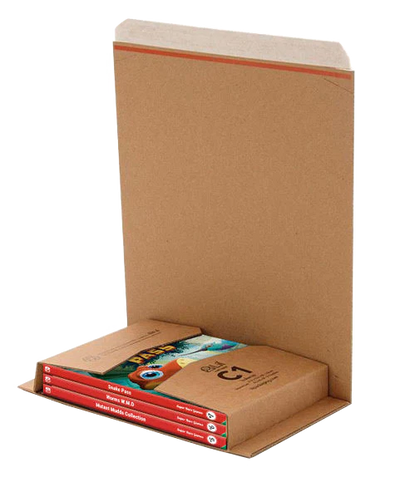
die Produkte selbst waren top. Der Karton war aber nicht sehr stabil kam schon ziemlich ramponiert bei mir an, zum Glück war alles im Karton unberührt.
Alexander
10/15/2026
I love that this game finally came out
Sean
10/15/2026
Beautiful and well packaged. I will enjoy this game immensely.
Daniel
10/14/2026
Great quality!
Anonymous
10/14/2026
Love the product and goodies, my only complaint - which is not super rare games fault is that my package was opened and the game was halfway out upon delivery. All I can assume is the delivery service opened my package to see if it was something they wanted. I would have no idea if there was anything else in my box.
Brandon
10/14/2026
good everything good it's a good product it's a good game very fun and also very rare which I like
Jose
10/14/2026
Arrived in great condition
Anonymous
10/14/2026
Great game!!! Would recommend if you love slice of life
Anh
10/14/2026
Excelente empaque y embalaje. A pesar de que la aduana lo abrió para revisión.
Antonio
10/14/2026
I didn't receive the game because it got lost at the address where I had it sent; however, I'm giving you 5 stars because it wasn't your fault—you're a great company. Keep it up!
Choosing a selection results in a full page refresh.
PayPal Pay Later Messaging
Step 1: Choose message placement
Click the button below and then hover over your page to select a placement.
Step 2: Paste and save
You have copied the placement for the Product Page.
Go back to the App Embeds section, and in the Paypal Advanced Settings, paste the copied value into the
Product Page field and click the 'Save' button in the top right corner.